Gaming tattoos walk a tricky line. The reference needs to be recognizable to people who get it, but it shouldn’t look like you ironed a T-shirt graphic onto your arm. The best ones translate screen energy into something that functions as actual tattoo art, accounting for how ink spreads, how color fades, and how your skin changes over decades. Here’s what works, where it goes, and how to keep it from aging badly.
Best Placements
High-Detail Spots
Inner forearms and outer calves give you flat, stable skin that holds fine lines and small color blocks well. These areas move enough that they don’t blur as badly as, say, the center of your back, but they’re not high-wear zones like fingers or elbows. For pixel art, 8-bit sprites, or intricate controller layouts, the inner forearm is the sweet spot, you can read the detail without squinting, and the natural viewing distance matches how people actually look at tattoos.
Upper arms and thighs handle larger compositions. A scene spread across a shoulder cap or outer thigh gives the artist room to build atmosphere: gradient skies, architectural elements, negative space that lets the design breathe. These spots also hide well if your workplace still cares about that sort of thing.
Small, Specific Locations
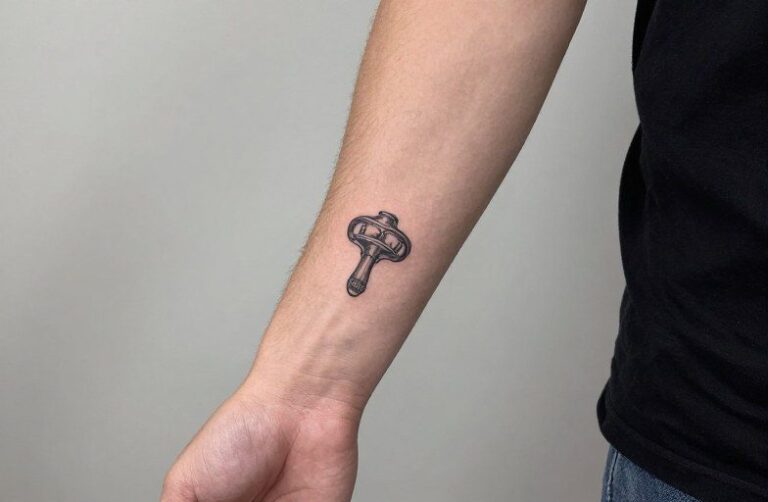
Behind the ear and the side of the neck work for single iconic symbols, a Triforce, a Companion Cube, a Poké Ball simplified to its essential geometry. The limitation is real estate; you’re looking at maybe two inches of clean skin. Wrists and ankles are popular but problematic: they fade faster, blowouts happen more easily, and the constant flexing distorts straight lines over five to ten years. If you’re set on a wrist piece, plan for touch-ups and keep the design bold.
Trending Variations
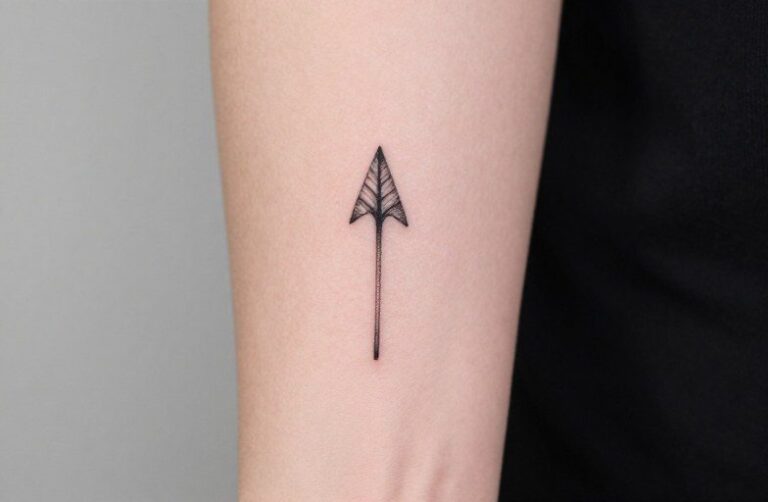
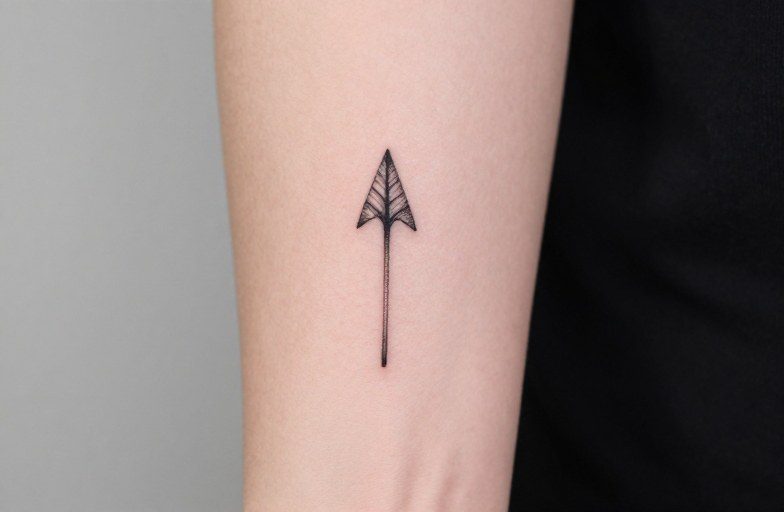
Minimalist line art has overtaken the hyper-detailed screenshot reproductions that dominated five years ago. Single-line controller silhouettes, abstract health bars, or geometric interpretations of familiar items, think a sword reduced to its outline with one accent color, age better and read as intentional design choices rather than fandom copies.
- Glitch effects: Intentional distortion lines, color channel separation, or “corrupted” pixel blocks that reference digital decay. These need an artist who understands how to make chaos look controlled; sloppy execution just looks like a mistake.
- Inventory screen aesthetics: Item grids, stat numbers, menu borders, UI elements translated into border frames or background texture. Works best as secondary detail around a central image.
- Crossover mashups: Two game worlds colliding, but done with visual logic that unifies them. Same color palette, matching perspective, consistent light source. Randomly slapping characters together looks like a Photoshop error.
Another direction: the “loading screen” approach. A static moment that implies motion, your character mid-jump, a vehicle frozen at the apex of a trick, a spell half-cast. The tension lives in the incompleteness.
Popular Styles
Black and Gray Realism
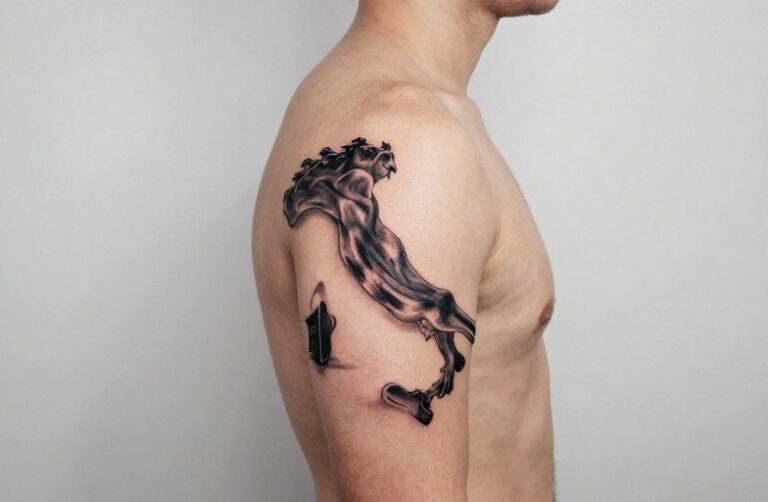
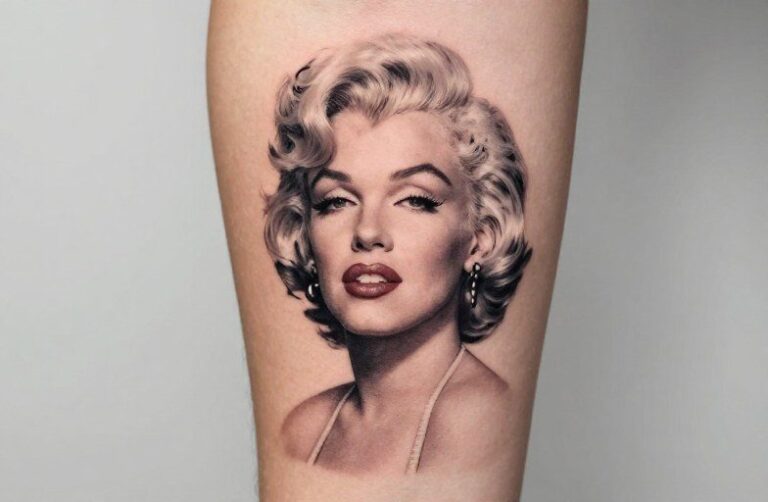
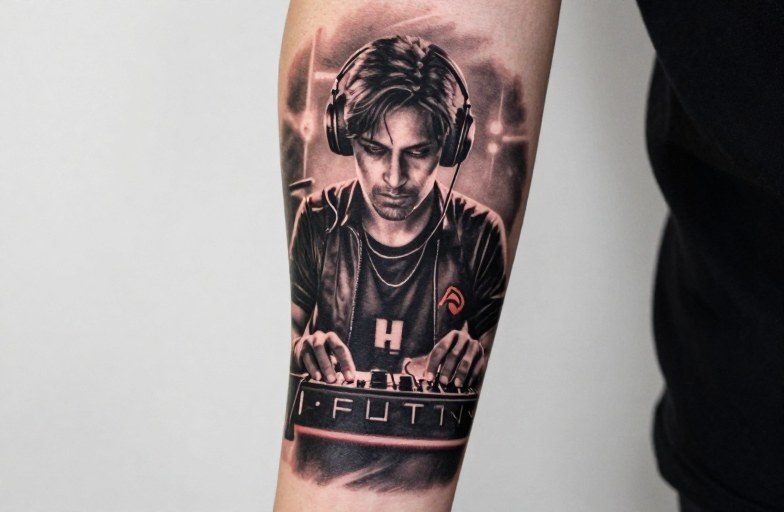
Portraits of characters or realistic renderings of hardware, consoles, cartridges, arcade cabinets, work in this style when the artist has actual experience with smooth shading and understands how to create depth without color. The risk is muddying; without enough contrast, a gray-wash controller becomes a gray blob in ten years. Ask to see healed photos of similar work, not just fresh tattoos.
Neo-Traditional and Illustrative
Bold outlines, limited but saturated color palettes, stylized proportions. This approach solves the aging problem by building it in: the thick lines are supposed to be there, so slight spreading doesn’t ruin the effect. Characters gain personality through exaggeration rather than attempting photorealism that your skin can’t sustain. Think Cuphead’s art direction applied to whatever game you love.
Japanese-inspired approaches (not to be confused with actual irezumi, which carries specific cultural weight) use flowing composition, wind bars, and background elements to frame gaming imagery in a way that feels timeless rather than dated. A dragon from a fighting game rendered with traditional scales and cloud patterns bridges two visual languages.
How to Personalize It
The difference between a tattoo you keep loving and one you regret is usually specificity. Not “I like Zelda” but “I spent a summer playing Link’s Awakening on a cracked Game Boy Color during a family road trip.” That memory gives you material: the handheld’s particular shape, the green-tinted screen, the highway landscape outside your window.
- Date stamps: A release date, a personal milestone, a save-file timestamp rendered in the game’s actual font or UI style.
- Regional variants: Box art that differed between countries, censorship changes, localization quirks, visual evidence of how the game traveled.
- Personal mods: Custom controller configurations, speedrun splits, names of glitches you personally discovered or exploited.
- Hardware specificity: The scuffed corner of your actual childhood console, the aftermarket stick you installed, the battery cover held on with tape.
These details don’t require explanation to strangers, but they reward your own attention every time you notice them.
Matching & Pairing Ideas
Cooperative Designs
Two-player tattoos that only complete when you’re together: health bars that meet in the middle, portal colors that reference the game’s actual mechanics, inventory items that logically combine (sword and shield, potion and herb). The design needs to function independently too, your tattoo shouldn’t look broken when you’re alone.
Sequential or Evolving Sets
Save-state progression: the same character or symbol at different power levels, spread across multiple sessions or even multiple people. A parent and child with matching starter Pokémon, evolved forms implied for future work. Or the opposite: a single session where two people get mirrored but not identical pieces, player one and player two start screens, left and right controllers, sun and moon cycle from a day-night mechanic.
Friend-group sets work when there’s genuine visual cohesion. Same artist, same session, consistent style and scale. Five people getting the same stock image from different shops looks like a accident. Five people with coordinated but distinct pieces from one artist’s developed concept looks like intention.
Size & Scale
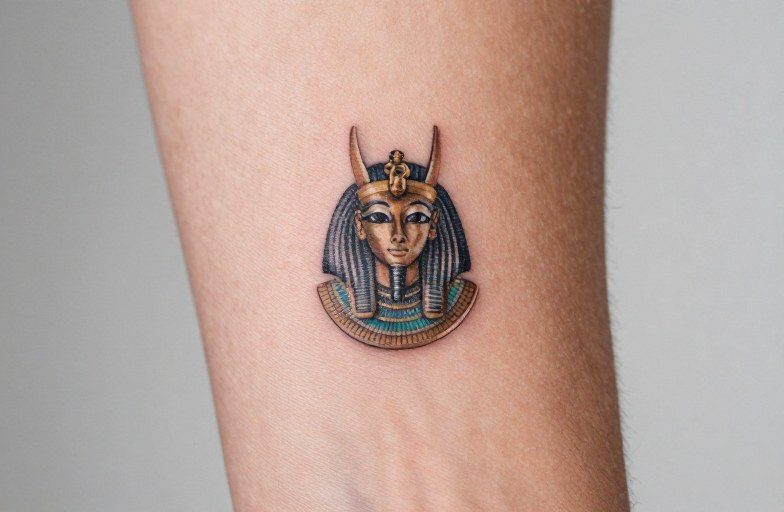
Small gaming tattoos, under three inches, demand simplicity. A single sprite at actual resolution, a button symbol, a directional pad. The pixel grid itself becomes the texture; trying to add detail that wasn’t in the original just creates mush.
Medium pieces, four to eight inches, allow for environmental context. A character in a recognizable location, with enough background to establish setting but not so much that the focal point drowns. This is where most good gaming tattoos live: substantial enough to be art, contained enough to be practical.
Large work, sleeves, back panels, thigh pieces, can build narrative sequence. Opening crawl to final boss, level progression, skill tree branches mapped to actual body flow. The scale lets you use negative space deliberately: dark dungeon areas against skin tone, bright spell effects against blacked-out backgrounds. Plan for multiple sessions and a higher budget; rushing large work to save money costs more in cover-ups later.
One practical note: text at small sizes. Game fonts are designed for screens, not skin. Pixel text below half an inch becomes illegible; smooth vector fonts need thicker lines than you think. If the quote matters, consider integrating it as a design element rather than literal lettering, Morse code patterns, binary sequences, UI text rendered as texture rather than message.
The Takeaway
Good gaming tattoos start with the same question as any other: what do you want to see every day, and how will it look in twenty years? The reference is secondary to the execution. An obscure indie game rendered with skill and intention beats a famous franchise slapped on by someone who doesn’t care. Find an artist whose portfolio shows they can handle the specific style you’re after, pixel precision, smooth gradients, bold illustration, and trust them to translate your screen memory into something that lives where screens don’t.
The best compliment isn’t “I love that game too.” It’s “that’s a beautiful tattoo” from someone who doesn’t even recognize the reference.
Frequently Asked Questions
How do pixel art tattoos hold up over time?
They age better than you’d expect if the artist respects the grid structure. Each pixel needs clean, consistent borders with enough space between them that minor spreading doesn’t cause adjacent blocks to bleed together. Go slightly larger than the original resolution, and avoid dithering patterns that rely on fine dot density.
Can I get a tattoo of a character I don’t own the rights to?
Tattoo artists aren’t typically pursued for copyright infringement on individual pieces, but some shops decline certain characters to avoid issues. Disney and Nintendo properties are the most commonly refused. Original fan art or significantly powerful interpretations face fewer concerns than direct logo reproductions.
What’s the most requested gaming tattoo that artists actually dread?
The Zelda Triforce, done small and simple, often disappoints because people want it tiny and the geometry is unforgiving. Slight asymmetry in a three-inch equilateral triangle reads as obvious error. The Portal companion cube runs second, cute concept, but the heart detail at small scale blurs into a pink smudge within a few years.
How do I find an artist who actually understands gaming references?
Search hashtags for the specific game plus your city, not just “gaming tattoo.” Look for artists who post healed work and who reference games in their personal content. During consultation, see if they ask about the game’s visual mechanics, palette limitations, sprite scaling, UI conventions, rather than just nodding along.